Lights can be added to
taxiways as as string. The centre line is a standard X-Plane
addition that will placed a chosen line, usually selected as yellow,
along the centre of the taxiway. If you select "Center
Lights" then a green light will be added at appropriate intervals along
the selected taxiway line.

The center line can be bent using alt+mouse at the nodes in
the same way as other lines to allow it to be curved around the bends
od the taxiway.
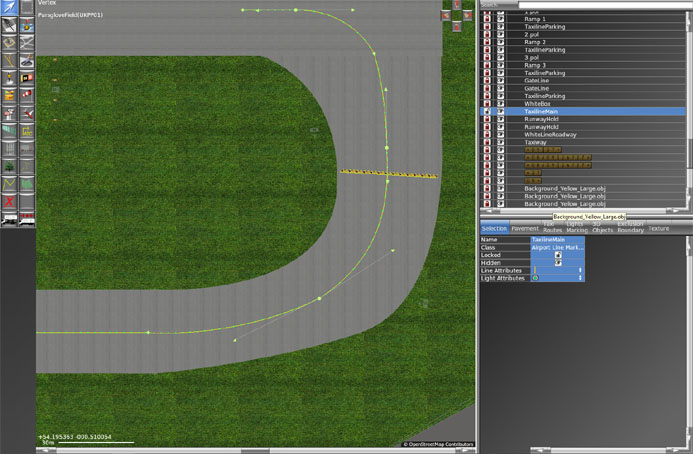
To add taxiway edge lights, the line should be drawn along the edge of the taxiway and the blue taxiway edge lights should be selected.
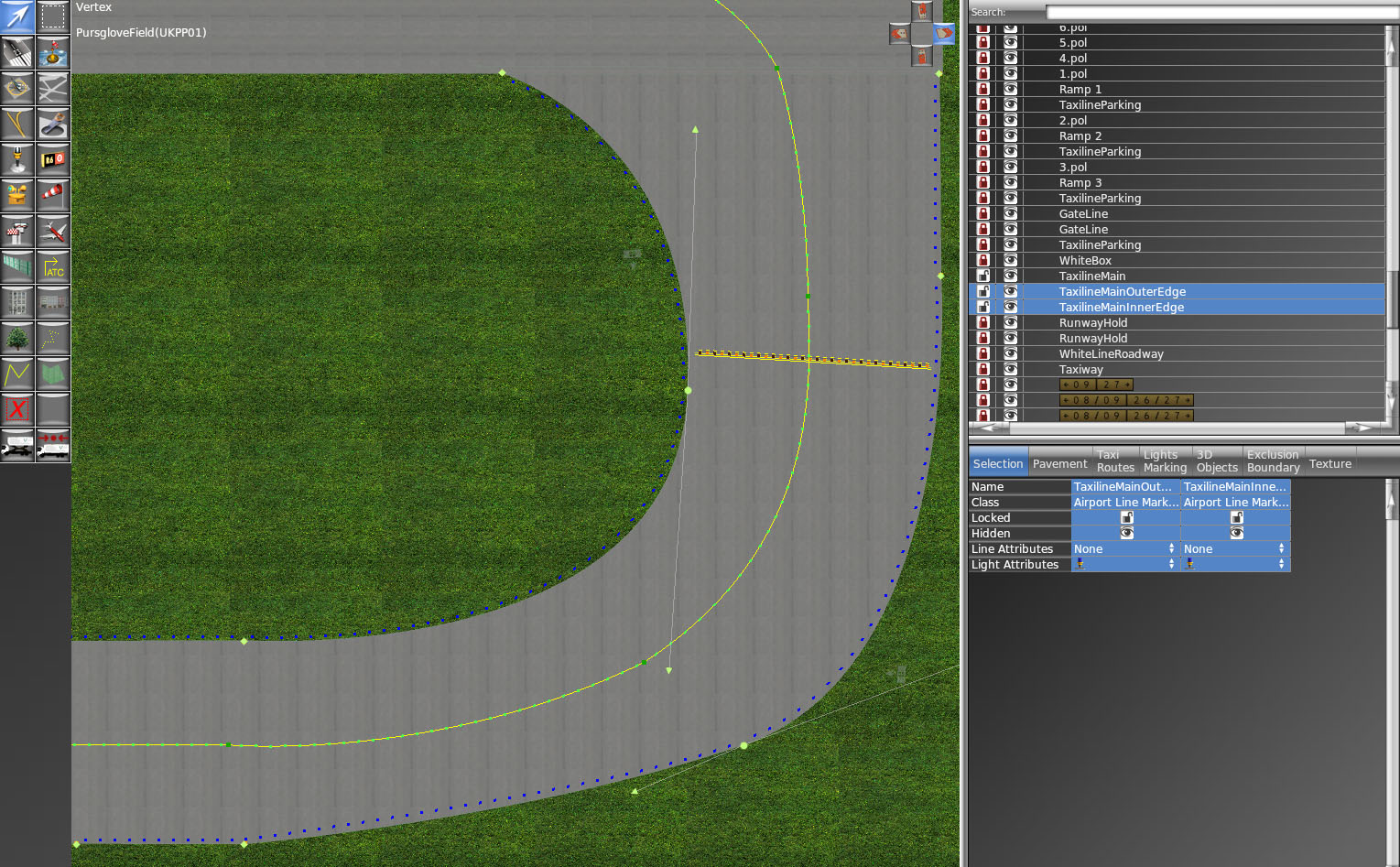
As you will see, the inner edge lights are on the grass at the side of the taxiway. The outer edge lights are on the asphalt of the taxiway and will be possibly obstructing the aircraft. The taxilights will automatically position to the side of the line and if they are on the wrong side, the line needs reversing.
Just select the offending line and click on the top menu bar for edit, then select reverse. This will flip the lights to the opposite side of the line, off of the taxiway
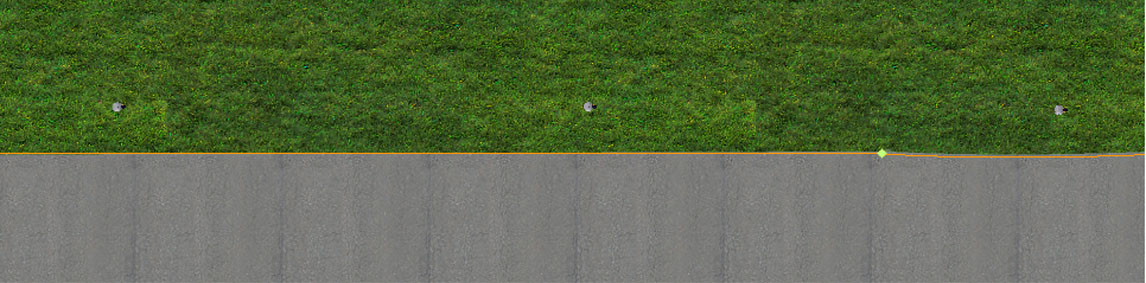 .
The lights should be just off of the taxiway.
Top Tip
Taxi an aircraft around the
airfield to check the Lights and see what is wrong or missing.