WED is a markup language generator. Its coding tells X-Plane where to find and place scenery items in the Laminar Landscape. You need the objects to be present in a file or library before they will show in the scenery. WED instructions are saved in a working file called earth.wed.xml which can be opened in WED or as a plain text file.
When the WED airport is saved and then exported with export scenery pack, the airport will be saved in a folder called Earth nav data which will contain an apt.dat file and possibly a tile reference file. It is the apt.dat file that X-Plane uses to generate the airport scenery on the simulator.
......Start
small and learn the easy stuff first.
X-Plane has a scenery file called Global Airports. This contains default 2D runways and taxiways. The major national airports also contain towers, hangers and terminus buildings. The raw content is very basic. You can find this file at:
X-Plane 11/Custom Scenery/Global Airports
The airports in this file are containes in Earth nav data files which are not accessible to the used directly. This file is added to at each update, so if you delete it (and lose all of the default airports) by mistake, it will be reinstated at the next update.
You
can import the default 2D scenery file for any default airport into WED
to be edited and saved on your own version of X-Plane
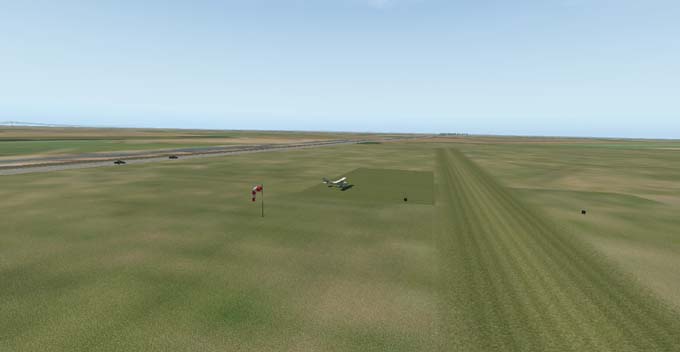 X-Plane default web-bot airport EG08-Boston |
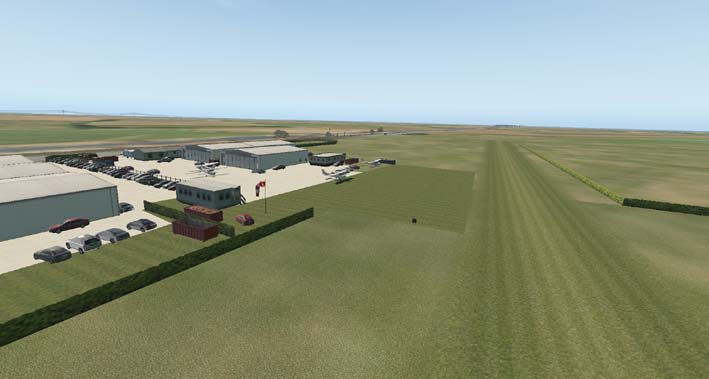 X-Plane Gateway Airport EG08-Boston |
The Gateway Airport for EG08, Boston, Lincolnshire, UK was designed and uploaded to the Laminar Gateway by ronb62 and approved in February 2019 for addition to Global Airports. This airport replaces the 2D default airport for all user.
Airport designs for the Global Airports can be produced by opening WED and selectine NEW then Open, and downloading an airport default from the Gateway. Scenery can be assembled using only the Laminar Library scenery objects and effects. There are a few basic rules to learn, then the finshed airport scenery can be saved and exported (Export Scenery Pack) to use on your simulator.
If the airport is good enough, it can be uploaded to the gateway where it will be moderated for inclusion or rejected to be improved.
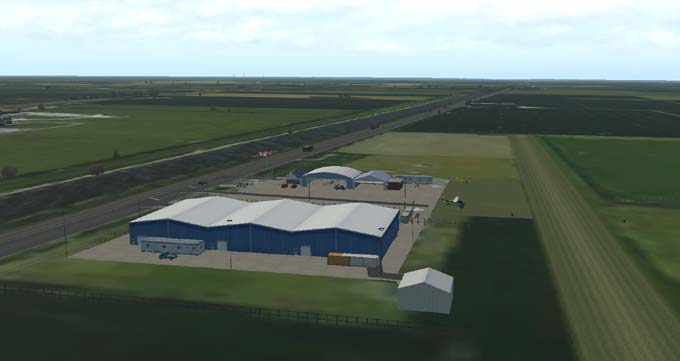
X-Plane Airport design for EG08-Boston with custom built scenery,
By using other Library Files or designing your own scenery items, a custom built airport can be produced to look like the real world airport. Such a job requires a little more skill that using the Laminar Library scenery and Gateway default airports. Custom built airports cannot be loaded to the Gateway. They must be posted on websites for download and the Libraries used must be listed for users to download.