EGCY RNAS Yeovilton
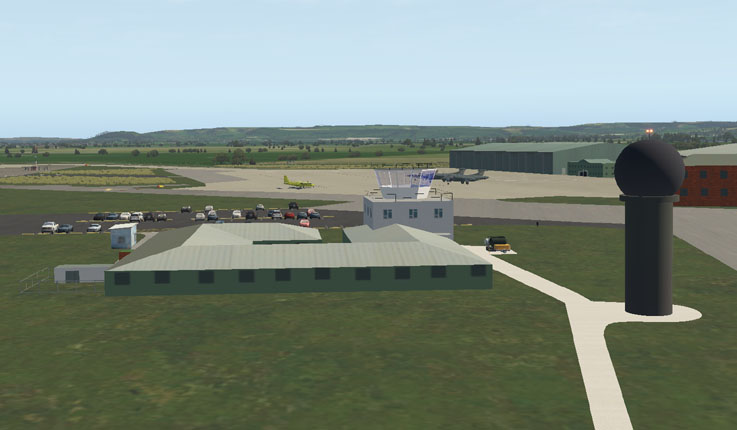
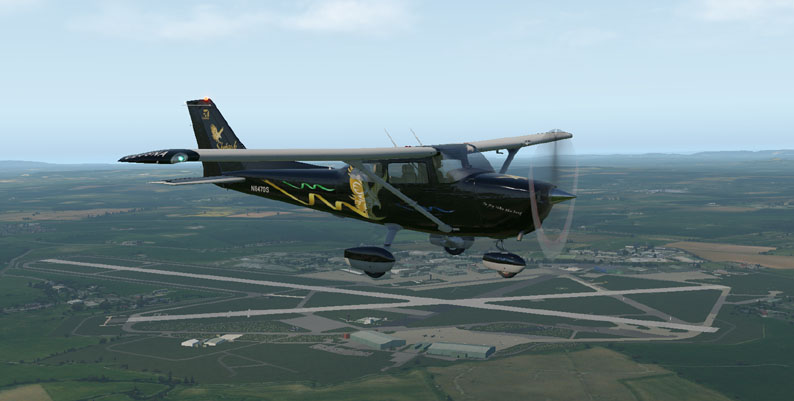
Yeovilton is the home of the Royal Naval Air Service (RNAS) Museum. The Museum is annexed to an operational Naval Air Station with Helicopter facilities and aircraft arrester wires and nets fitted to the runways.
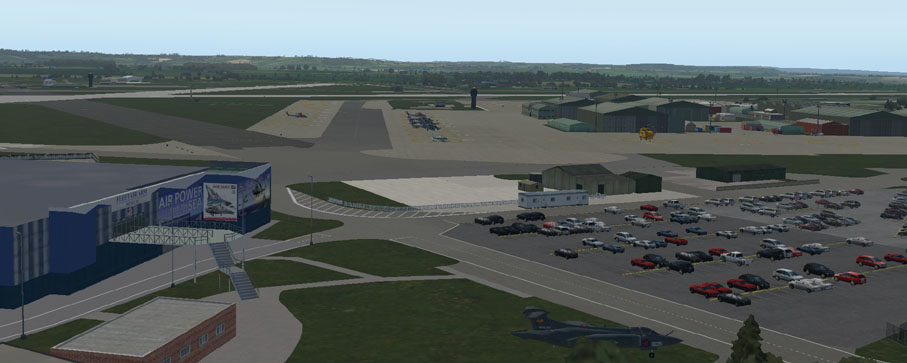
This scenery is a representation of the Airfield and Museum buildings that can be edited for personal use. It is based on a set of photographs taken in 2006 and the view from Google Earth. It includes a fair representation of the main hangars. The tower and visitor center are close approximations as are the aircraft on the ground.
This scenery is offered as a free and editable X-Plane 11 model that is intended to enhance the default or ortho scenery on that flight simulator. The simple design is an overall impression of the airfield as it is at present, using simplified custom made buildings and Library Files. It is not possible at present to make a working set of arrester wires on the ground, but this may be possible in future editions of XPDownload the file to your chosen download folder:
EGCY-Yeovilton-XP11.zip
User
Agreement:
The
above airport scenery files are provided free to the person who
downloads them. By downloading these files, you are agreeing
to
use them on your own Flight Simulator only, and NOT to distribute them
or any parts of them or trade the files in any way. Other
people
must be directed to download the files from the website if they want to
use them. We reserve the right to discontinue any scenery
that
has insufficient downloads.
Additional
files
To
run the scenery correctly, you will need some additional Library Files
in your Custom Scenery folder. The ones used for these
sceneries
are listed on the website and include:
Open Scenery X; The Handy Objects Library; MisterX Library; CDB Library; world models; ruscenery;
R2 Library; flags of the world; 3D people library; People LIB; THE FRUIT STAND Aircraft Library;
OrbXLib:
Editing
the files
Each scenery includes the earth.wed.xml
file that can be edited in World Editor (WED).
There are some scenery element folders in WED that
can be removed if unwanted.
Exclusin Zone (Lots) - are included to remove roadways, buildings and forest elements from default and ortho scenery and to exclude inappropriate default and ortho buildings.
For some ortho-scenery, the position of some elements of airports may be different. Including an editable file with this scenery allows the user to adjust the scenery to fit minor mismatching with different types of add on scenery elements.
Top Tip: Keep the original scenery file backed up on a separate drive. If you then edit the file and want to go back to the original, you will not need to re-download it.