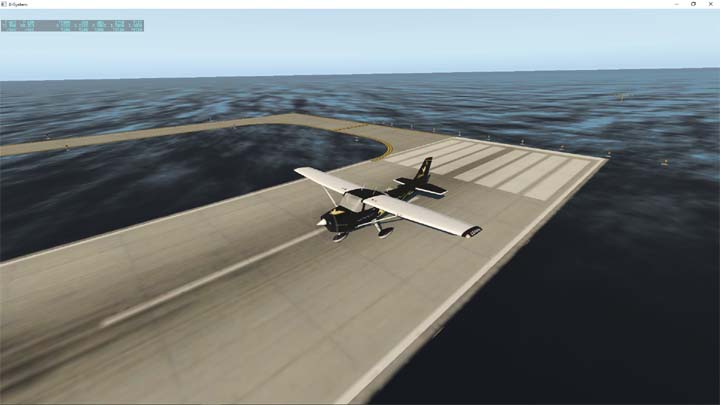
Windows Screen Capture
If you start at an airport and the runway is surrounded by sea, that is the default situation seen when the region of X-Plane scenery that contains that airport has not been installed. The remedy is simple.
Open the X-Plane Installer and select Add or Remove Scenery (You may need your activation code)
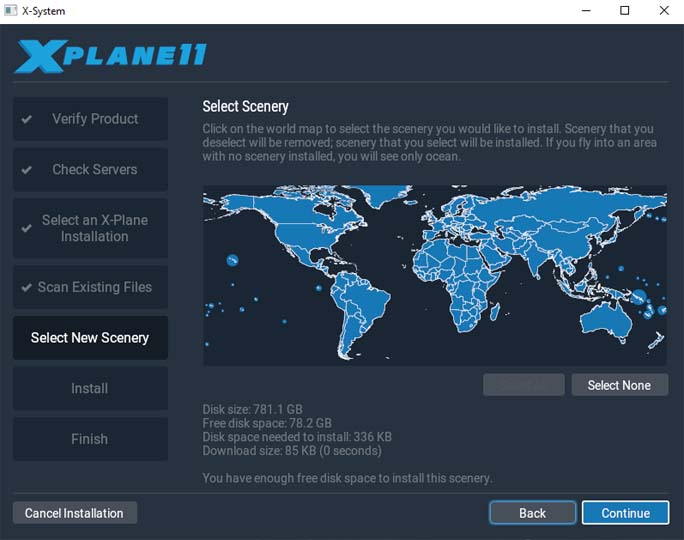
This is what the world scenery map looks like when all of the scenery is installed. If you have not installed a region, like Africa or South America, then that region will appers grey. Select the region and continue to install the X-Plane default scenery. The scenery download may take a little time depending upon the internet connection speed.
Once done, the region scenery should be fully available.
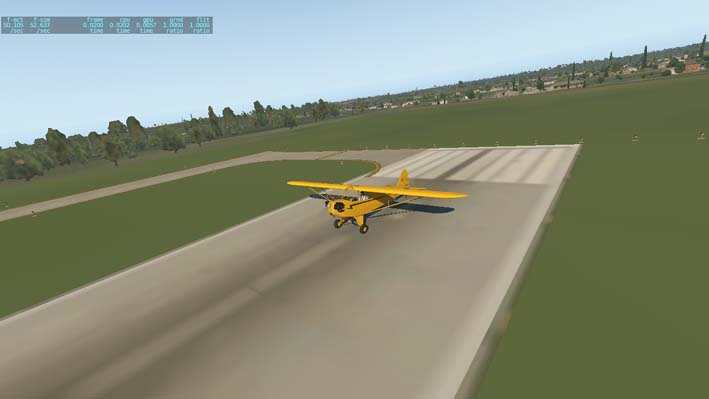
X-Plane Screen Shot
To save an X-Plane screen shot, click return+space bar and the screen image will be saved in X-Plane 11/Output.