Adding Scenery - The Custom Scenery file is where you install scenery models (airports/ landmarks/etc.). It is important to understand that an airport scenery folder (once unzipped) must be placed in the Custom Scenery folder directly and must not be put into an additional folder. The name of the airport folder is not important as it is the airport apt.dat file within the folder that identifies the airport.
If the airport you are using has been downloaded from the X-Plane Gateway, it will function fully. However, if a scenery is obtained from other sources it may need 3rd party library files. Make sure that you read the information provided by the designer at source or in the scenery folder. Such airports will not load fully without the library files being installed in Custom Scenery.
Update your Library files at least twice a year. The designers of extended library files will add more objects and the old files may be insufficient to fully display a new airport scenery.
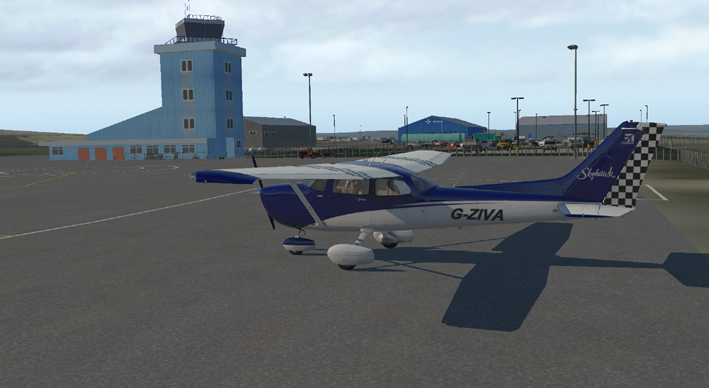
Airports: The X-Plane Gateway airports are installed as runways only and used in the X-Plane default. Where users have designed airports using the Laminar Lego Library objects (uploaded with moderation) - these airports will replace the defailt airports automatically at major updates. As a result, X-Plane has thousands of functional airports with scenery objects. Airports that have not been redesigned in this way remain as basic runway only versions.
There are lots of freeware and payware airports that have been designed. Some are basic and others are close to the real thing. Such airport models can be installed in Custom Scenery and will replace the airport default model.
Important:
All custom scenery airports must be placed in the Custom
Scenery file as named folders (Sub-folders are not allowed).
The name of the airport folder is not important as X-Plane
looks for the Earth nav
dat folder in a named airport folder to identify and load
the airport.
Airport design folders have many different formats and some folders
will contain scenery, but no airport.
Locked designs are ones that have had the earth.wed.xml file removed. This is the file that WED (World Editor) uses to edit and develop the airport scenery model. This file is never available on payware models, but some freeware modellers will leave this file in place to allow users to edit the scenery. Respect their copyright and do not distribute bits of their models without permission.
Scenery_packs.ini - learn about how this file works to make sure your scenery shows on screen as you expect it to look.
Library Files: Some airport models need to have specific Library files installed in order to load correctly. If a library file is missing from your Custom Scenery folder, X-Plane will flash up a warning.
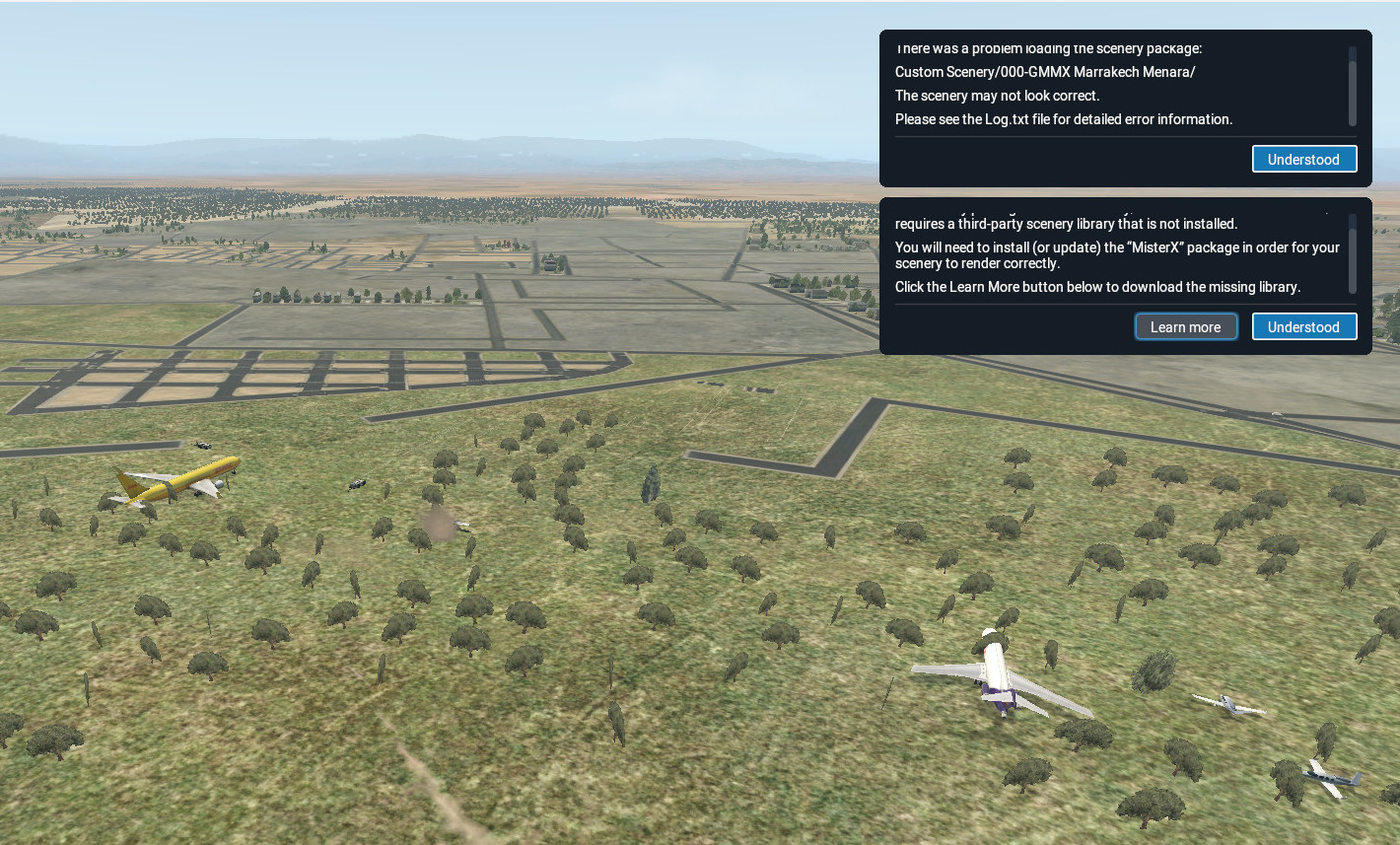
The warning will flag up at load untill you install the required library files. This image shows an airport with the runways and buildings missing where the required libraries have not been installed.